Visual builder · Real code underneath

The no-code builder
with no ceiling

Build real web apps visually — on real component libraries, real Tailwind theming, and real reactive logic. Every prop is a live expression. And an AI can build all of it right alongside you.

// no credit card · one real page, free forever
app.codelab.app / homeLive
Heading
Hi, Ada 👋
children ← {{stores.user.name}}
Inspector · Heading
children{{stores.user.name}}
size2xl
weightbold
Store · user
name"Ada"
plan"free"
change the store once — every bound prop re-renders. no wiring.

Not a walled garden — a thin layer over the real stack

ReactTailwind themingBase UI + cossMaterial UI & moreSupabase auth + dataTanStack formsMCP — buildable by AI
The binding layer

Any prop can be a live expression.

This is the heart of Codelab. A prop value is either a literal or a {{ … }} expression resolved at render time — so your UI reads and writes live state without a single line of glue.

  • Granular. Bind one prop, one attribute, one class — not whole components.
  • Reactive. Change the source once; everything bound to it updates.
  • Composable. Read stores, hook state, the event payload, repeated rows — anywhere a value goes.
inspector · Input
// bind the input to live form statevalue: {{hooks.rsvpForm.values.email}}error: {{hooks.rsvpForm.errors.email}}onChange: call-hook setFieldValue(  "email", {{event.target.value}} ) // greet the signed-in visitorchildren: "Welcome back, " + {{session.user.email}}
State · Actions · Hooks

Real app logic, not just pretty pages.

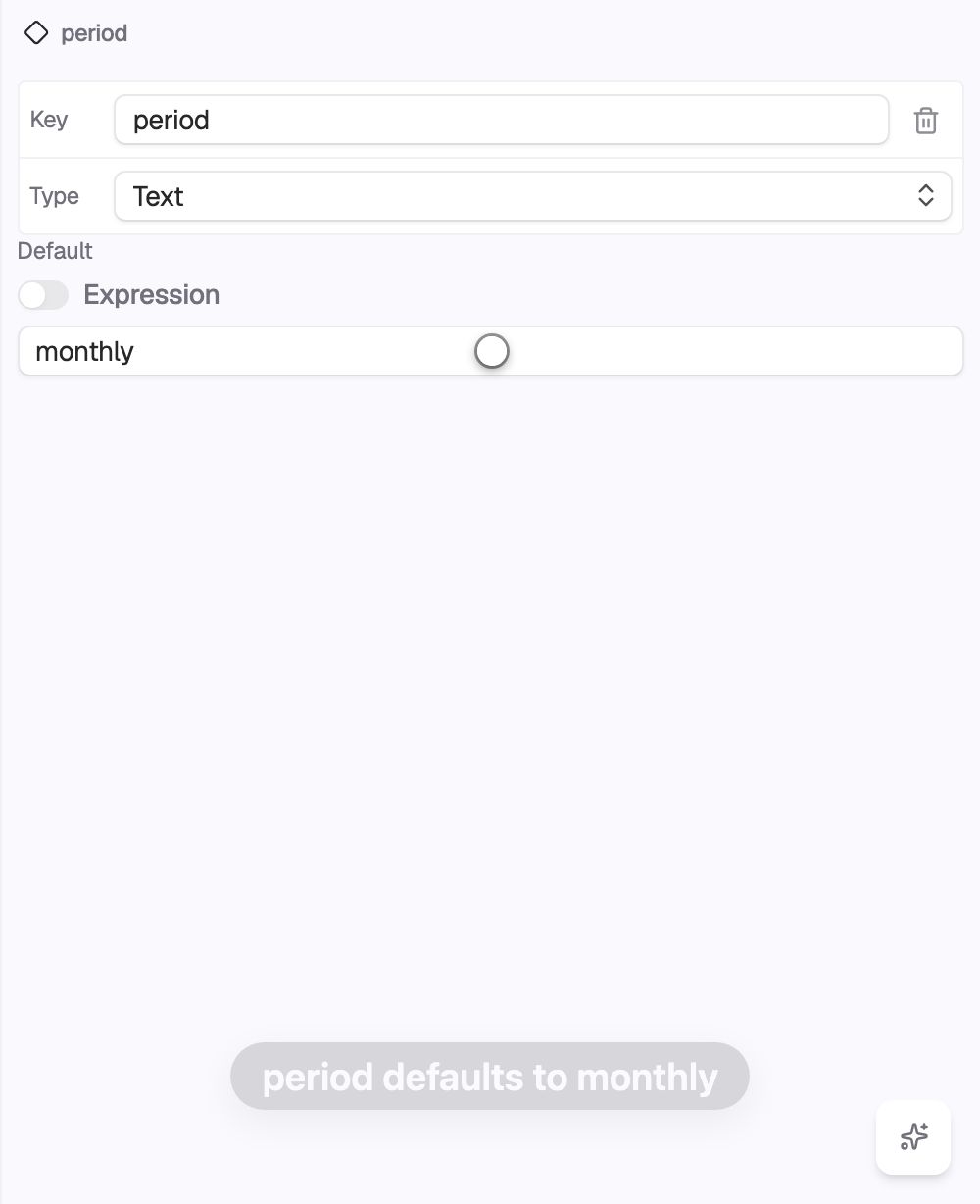
Reactive local stores hold typed state, and actions are modular and chainable — this is the actual store editor from the builder, not a picture of one. Marketing builders stop at layout; Codelab runs the whole interaction.

  • Typed state — declare fields with defaults; anything can bind to them.
  • Chainable actions with onSuccess / onError — each step fires with the last result.
  • First-class auth — Supabase login / signup / logout with an ambient session.
store · user · state + actions
Components · UI libraries

Real libraries. Plus the components you build.

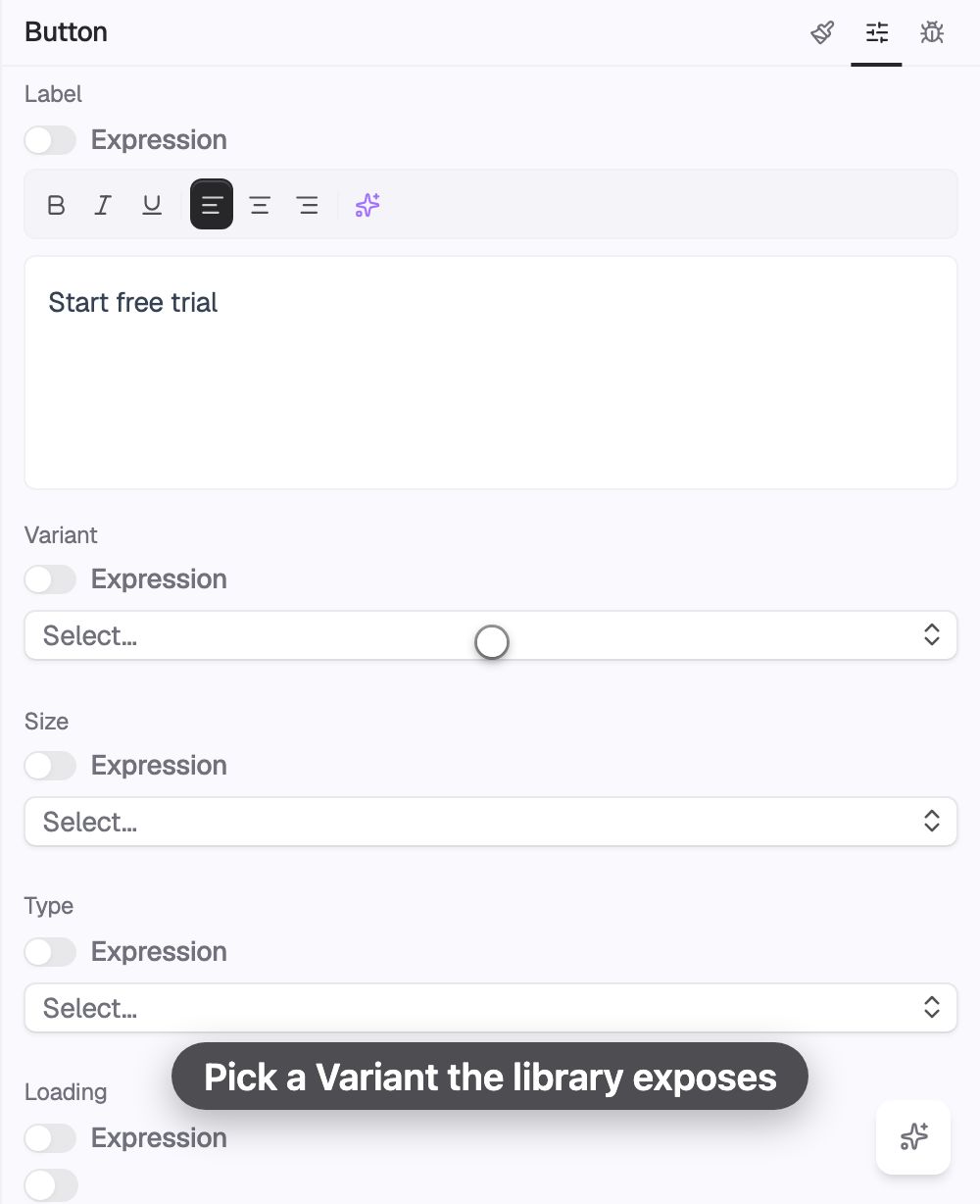
Codelab isn't a fixed set of blocks. Drop in production component libraries — coss, Material UI, and more — then compose your own reusable components in the builder and use them everywhere. This is the actual component palette from the builder.

  • Bring a library — accessible primitives, not reinvented widgets.
  • Author once, reuse — build a component, drop it in anywhere.
  • Valid by construction — nesting rules keep markup accessible.
palette · components
Design system · Tailwind

Theme it like real code, because it is.

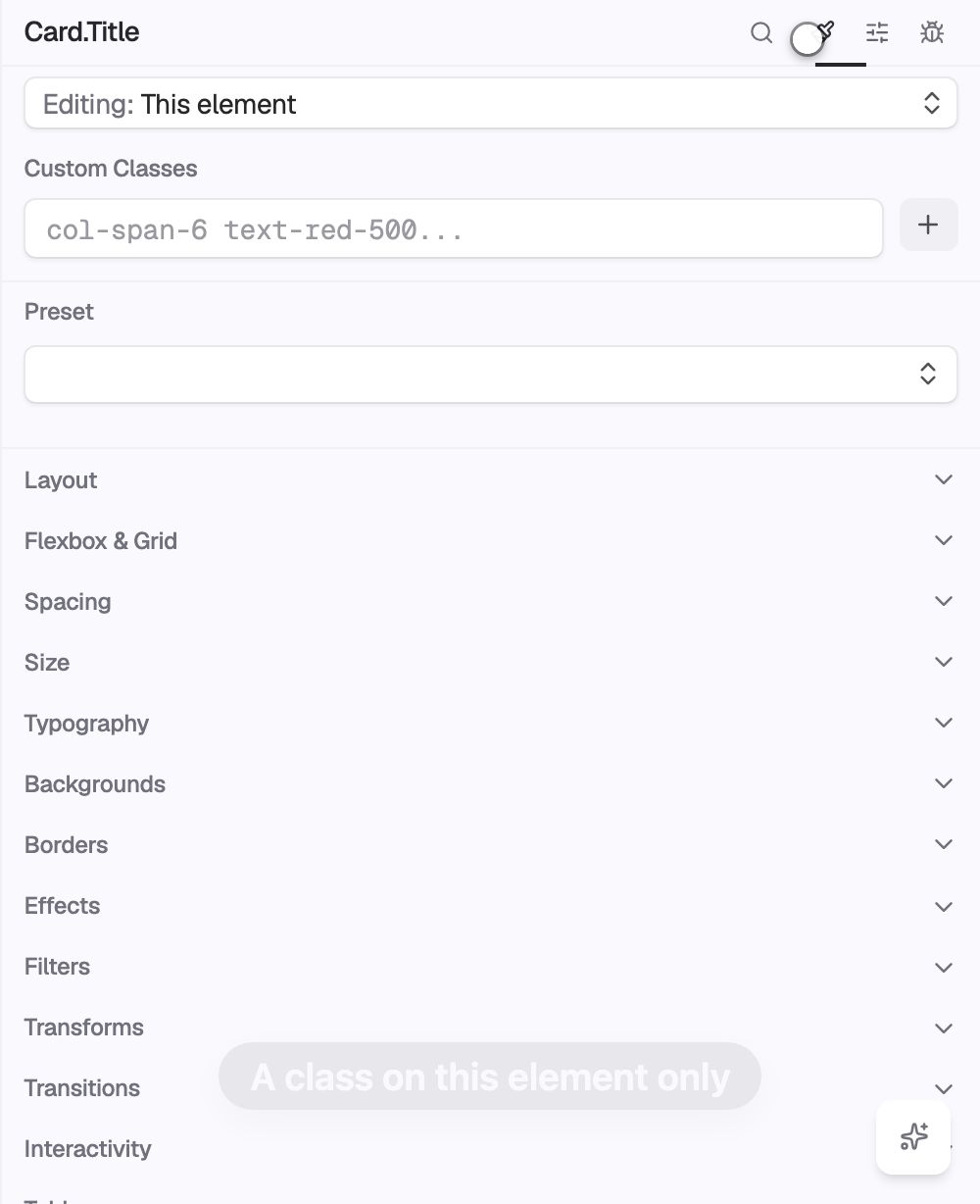
Tailwind is the design system. Edit theme variables, compose class names, and create variants — the same tokens your engineers would ship, exposed on the canvas. Change a token, and it cascades everywhere.

primarysecondaryghostoutline
theme · tokens · live editor
AI · MCP

One API for humans and agents.

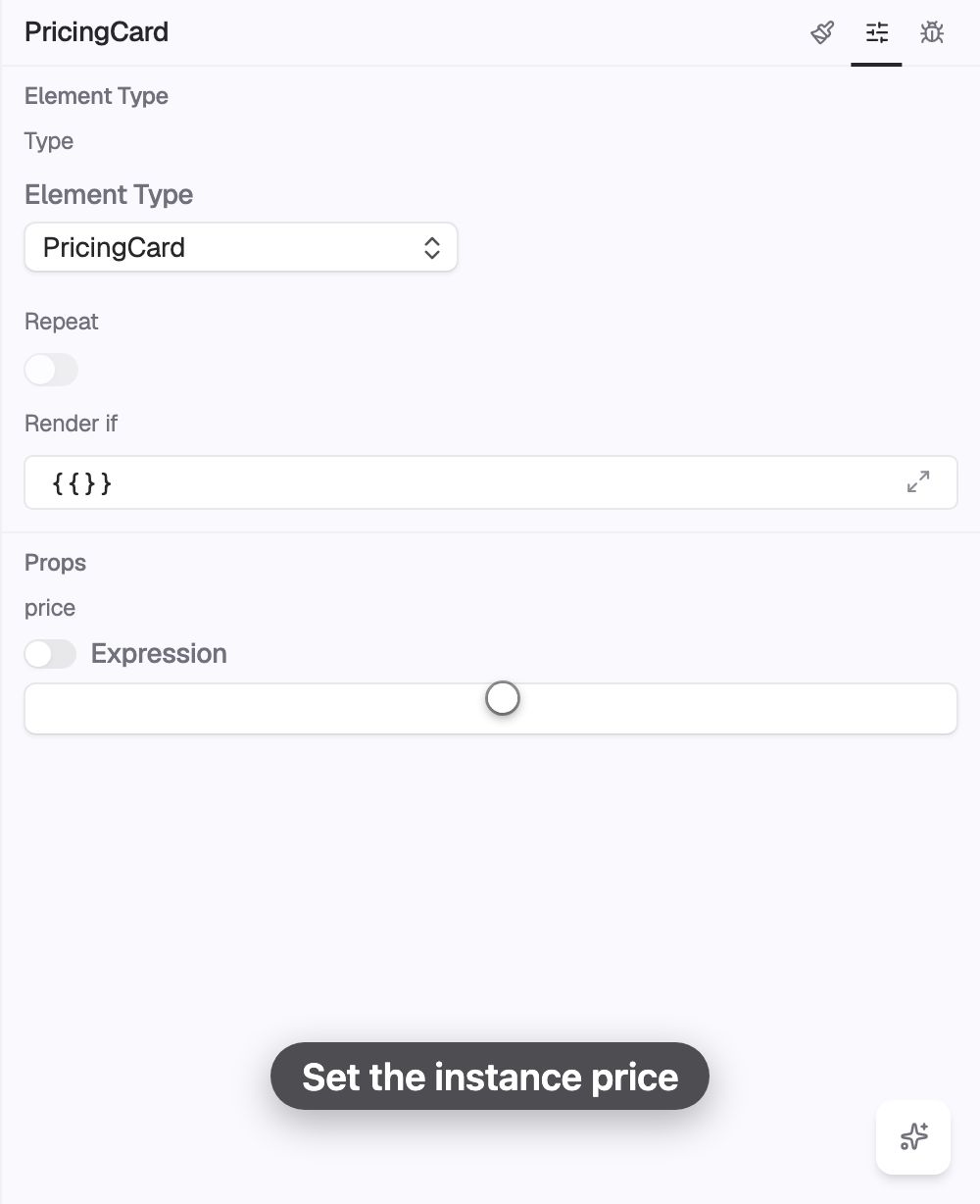
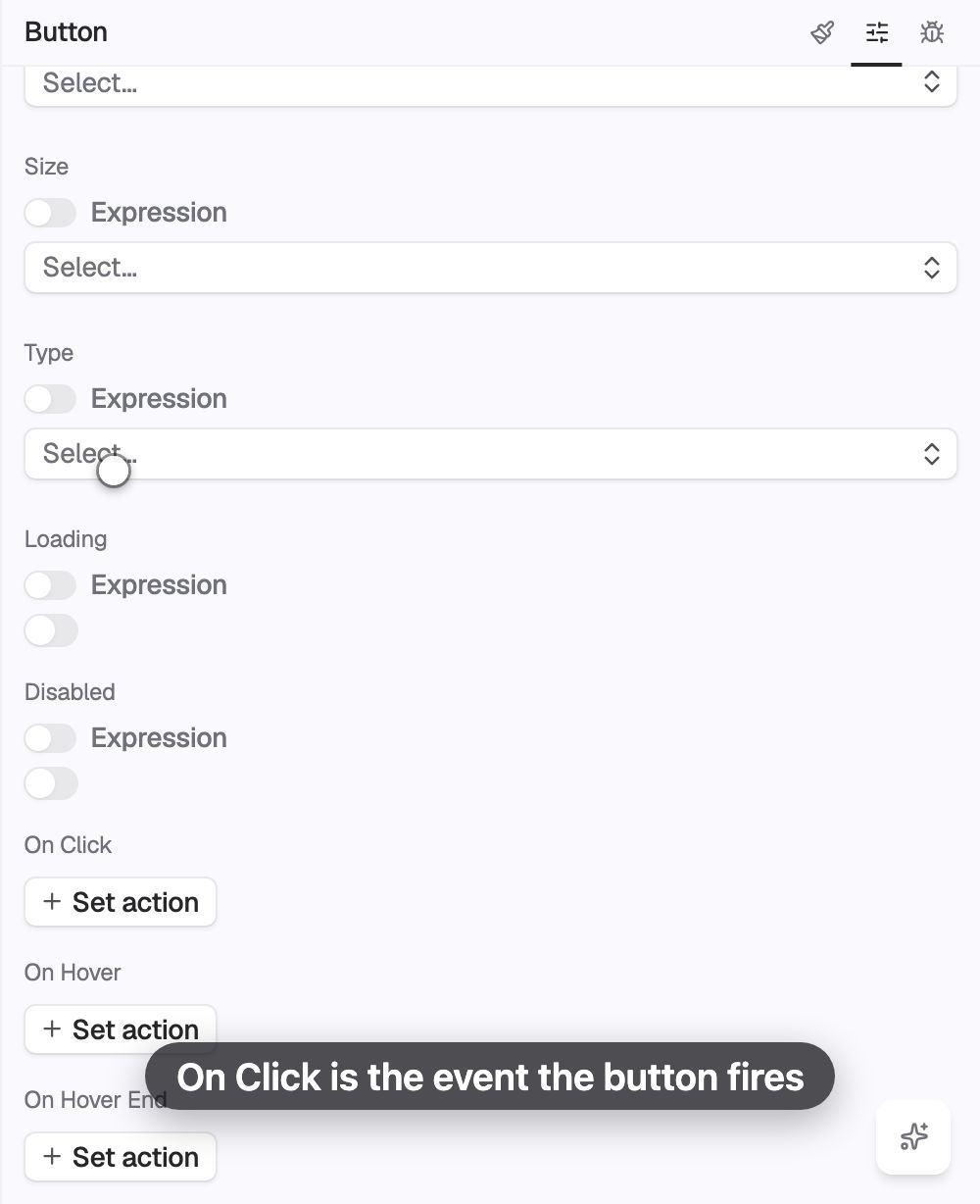
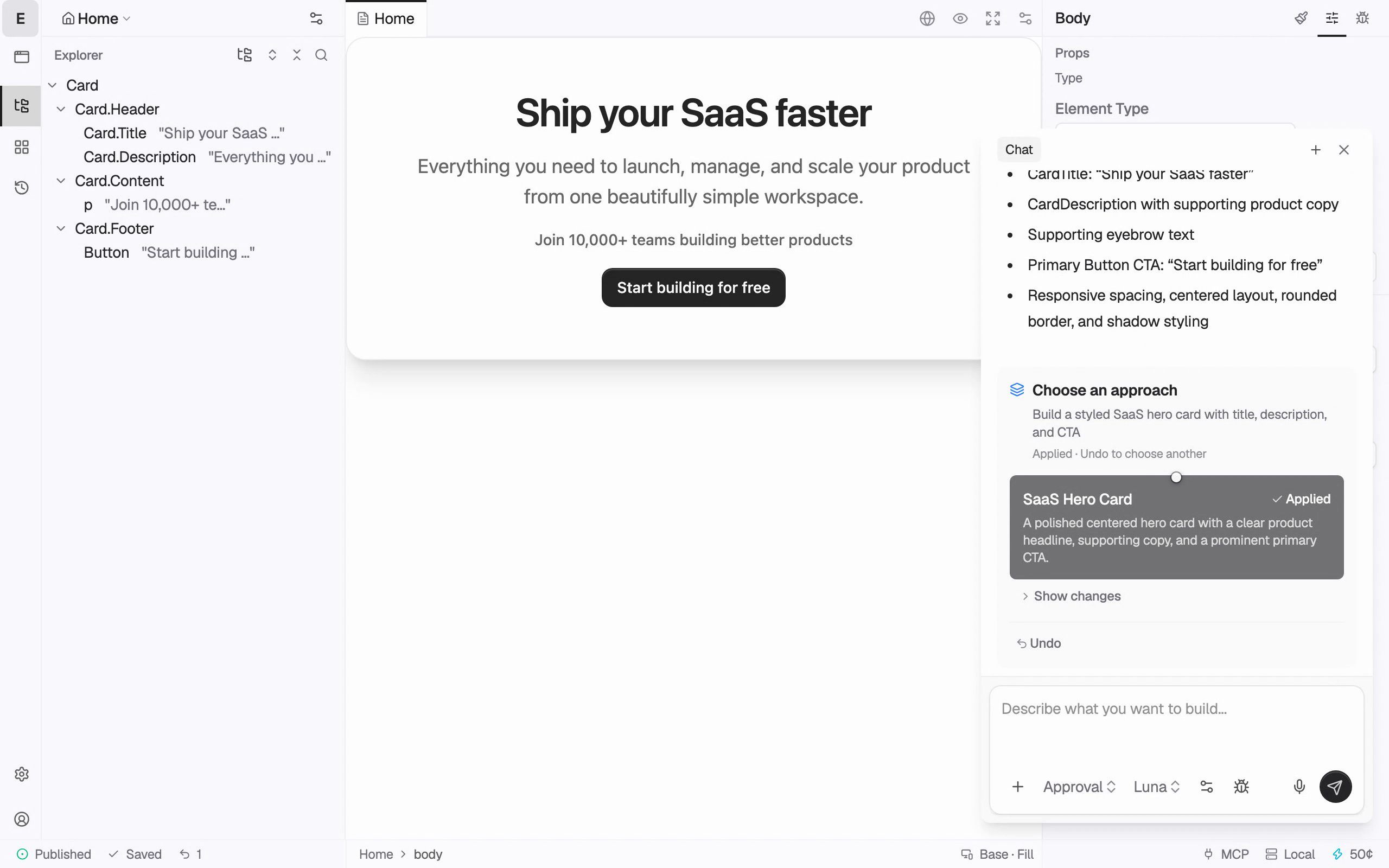
Everything you can do on the canvas, an AI agent can do too — through the exact same MCP tools. Chat drives the canvas live, and every edit flows through one shared path. Build with an agent, then take the controls yourself. No separate “AI mode.”

  • Live sync — the AI edits the same tree you’re looking at, in real time.
  • Full undo — every change is a typed checkpoint you can step back through.
chat → canvas
you ▸ add a pricing section with three tiers codelab add_element( Section "Pricing" )codelab add_element( PricingCard × 3 )codelab create_store( billing.period )codelab update_props( bind → {{billing.period}} )// ✓ rendered on your canvas, live
Not just vibes

A full platform underneath

The parts that turn a demo into something you ship — and keep running.

What you see is what ships

The canvas renders through the exact same pipeline as your published site. Pixel-for-pixel render parity — no editor-vs-production drift.

Real multi-page hosting

A page tree with shared layouts and outlets, nested routing, and custom domains & paths. Real sites, not one-pagers.

Undo everything

Typed checkpoint history — step back through every change, human or AI.

Valid & accessible

Nesting rules stop invalid markup before it happens; labels are required.

Dev → prod, on purpose

Build on a dev environment, then promote to production. A real pipeline.

Why there's no "export" button

Every builder eventually says no.
Ours doesn't.

Other tools hand you an “eject to code” button — an escape hatch for the day you outgrow them. That day is the day their builder gave up. Codelab runs on real code from the very first click, so there's no wall to hit and nothing to escape.

eject → own the codeno eject, because no dead end
How it works

Idea to published site, three moves

STEP 01

Describe it

Tell Codelab what you want, or start dragging. The AI scaffolds real elements on the canvas.

STEP 02

Make it yours

Bind props to live state, tune Tailwind tokens, wire actions and auth. Full control, no lock-in.

STEP 03

Ship it

Promote to production and publish to your domain. What you saw is exactly what gets published.

Built with Codelab

Real, shipped, running

rsvp · guest invite flow
RSVP

Token-gated event invites, Supabase auth & data — front to back on Codelab.

saas · marketing + pricing
Product site

Multi-page marketing with a live pricing toggle bound to a store.

internal · admin dashboard
Admin tool

Data-bound tables and forms over your own backend, behind auth.

From the blog

Notes from building Codelab

Engineering
The binding layer is the spine

Every prop on the canvas is a live expression. Here’s what falls out once your UI reads straight from state.

Jul 2026 · 6 min read
Product
No eject, because no dead end

Real code underneath means the ceiling never arrives — and you never have to leave the builder to break through it.

Jul 2026 · 4 min read
AI
Give an agent your builder tools

The same MCP tools you use by hand, handed to an AI: scaffold real elements, bind state, ship — live on the canvas.

Jun 2026 · 5 min read
Start free

Build something with no ceiling

One real page, free forever. Bring an AI, or build it yourself.